Hi SD devs,
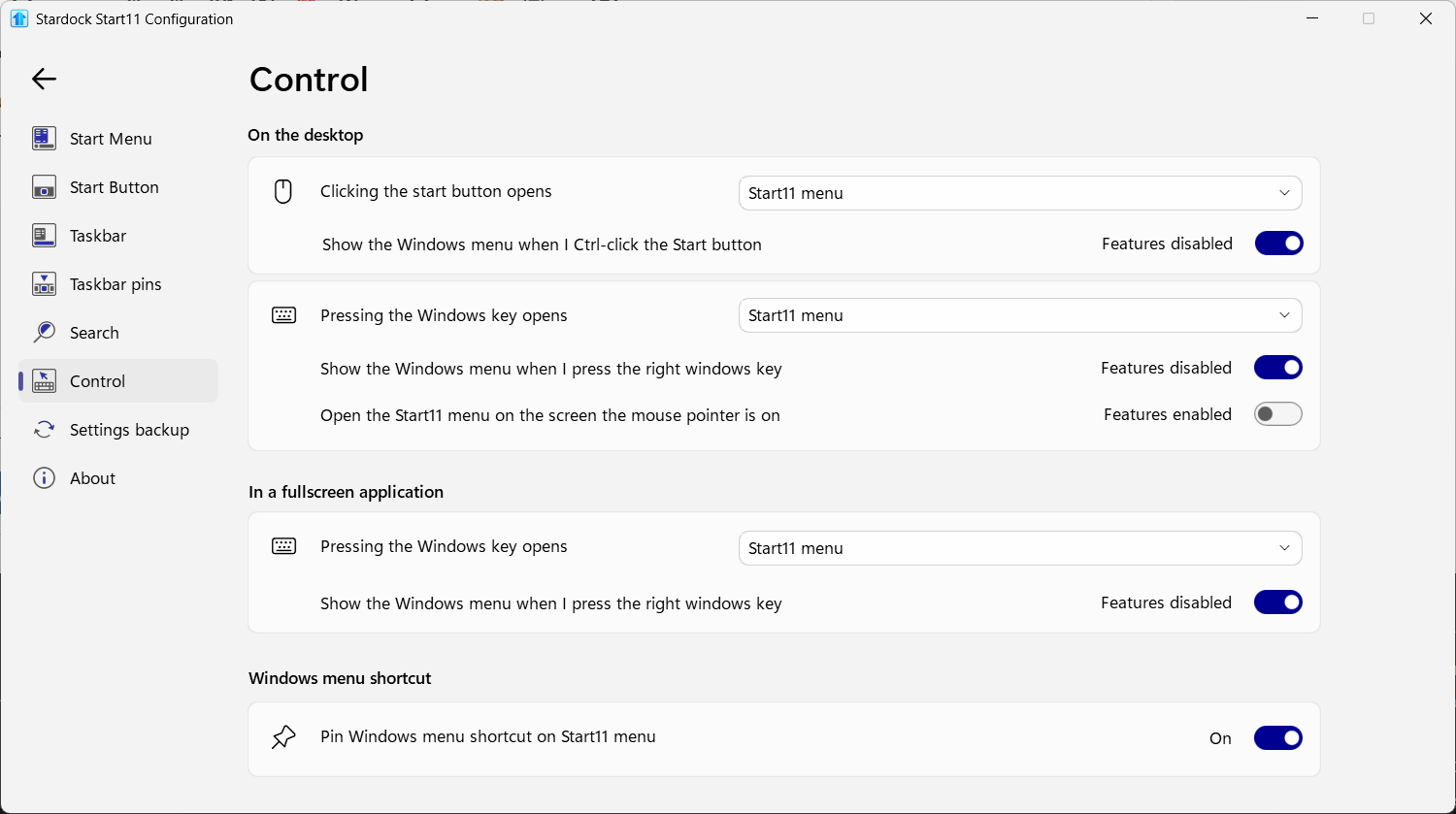
Had some issues with the taskbar replacement in Start11 for a few months; couldn't pin down a specific cause, so I've reverted to the Windows default for now.
Pinned packaged apps will not launch from the Start11 taskbar. Left-clicking a pin that activates via AppUserModelID, such as Notepad, Outlook (new), or Claude Desktop, opens a file manager window at This PC instead of launching the app. Ordinary .lnk pins such as Chrome, VS Code, Word and Steam all launch normally, so the fault looks confined to the AUMID activation path.
Environment: Start11 2.7.4.0, Windows 11 Pro N 25H2 build 26200.8875, Fences 6.5.2.7 also installed.
Already ruled out: the app registrations are healthy, evidenced by Get-StartApps resolving every affected AUMID and the same apps launching fine from the Start menu and from scripted shell activation across three trials each. It is also not the half-applied-update stale-hook problem, as PendingFileRenameOperations is clear, and the Stardock DLLs loaded in explorer.exe match the versions on disk following a reboot. Repinning does not help either.
I do run Directory Opus with Explorer Replacement enabled, which is why the window that appears is an Opus lister rather than an Explorer one. I tested that specifically, and it is incidental. On a stock machine, the same fault would likely appear as a plain Explorer window under This PC.
TaskbarAppIDCache contains several stale entries, including Claude.lnk mapped to a Chrome web app ID rather than the current Claude Desktop AUMID, and TaskbarPinLogic contains a single entry for Outlook (new). Two of the three affected apps.
Disabling the Start11 taskbar restores normal launching, and that is what I am running for now, though I would rather keep using it. The full write-up, including exact registry paths, versions, and test results, is attached.
Thanks, guys, love the software suite btw.


 Stardock Forums